
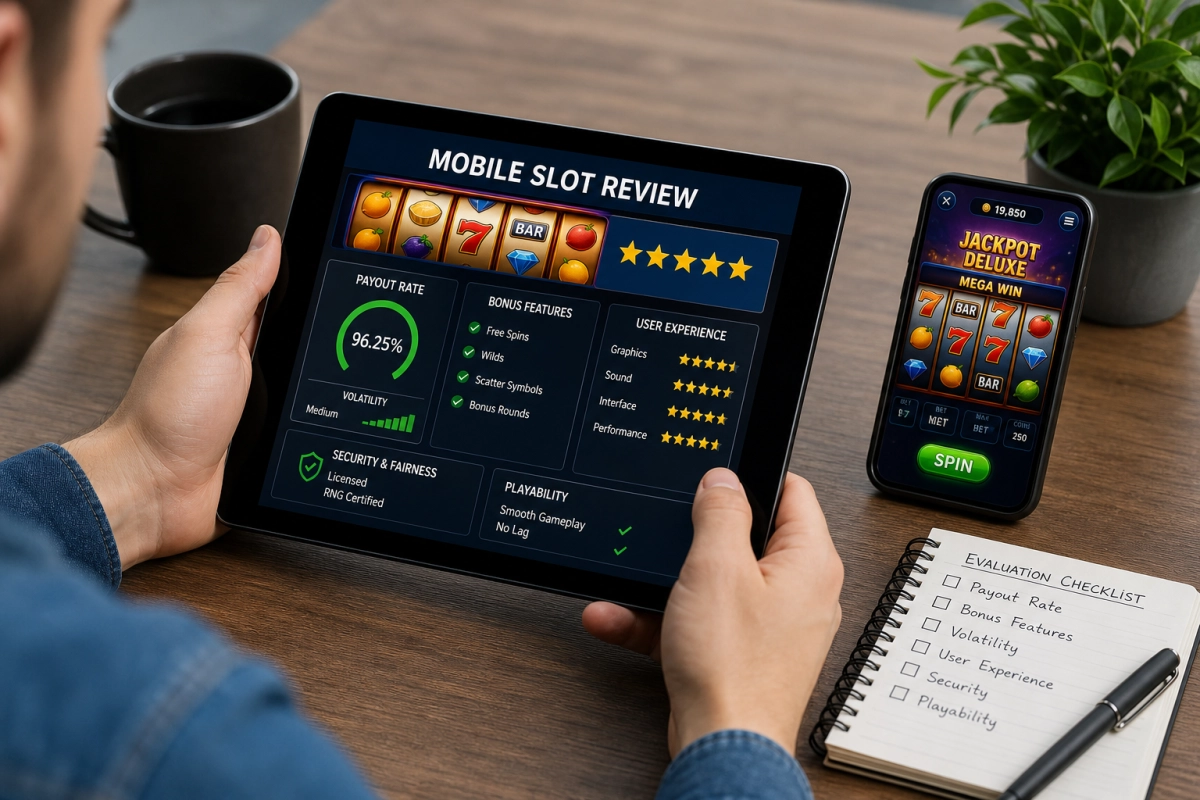
How to Evaluate Mobile Slot Games on Phones and Tablets
Why Device Testing Matters for Mobile Slot Games
Mobile slot games should be judged on more than their theme, reels, symbols or bonus features. A game may look impressive in a desktop review but feel difficult to use on a smaller smartphone screen. Touch controls, loading times, connection reliability and battery use can all affect the overall experience. These technical factors do not improve the chances of winning, because slot outcomes remain random, but they can determine whether a game is convenient and usable.
A practical evaluation should begin with the device itself. Older smartphones may have less memory, slower processors or outdated operating systems, while newer tablets often provide larger screens and stronger hardware. Compatibility can also vary according to the browser, operating-system version, available storage and screen resolution. HTML5 technology allows many online slots to run without browser plug-ins across iOS, Android and other supported devices, although performance is not automatically identical on every model.
Mobile Casino Apps Compared With Browser Play
Most mobile slots are available through either a dedicated casino app or a mobile browser. A native app can be convenient for regular users because some game assets may be stored on the device, potentially reducing repeat loading times. Apps may also offer push notifications, device-level security features and biometric login, depending on the casino and operating system. However, an app uses storage space and may need regular updates. It should only be installed from an official app store or a verified casino platform.
Browser play avoids installation and allows a player to access games from a wider range of devices. This can be useful when storage is limited or when the user does not want several casino apps on a phone. Browser sessions may also be easier to close and leave fewer permanent files on the device. On the other hand, performance can depend more heavily on browser settings, cached data, available memory and the number of open tabs.
- App advantages: possible faster repeat access, biometric login and a more integrated interface.
- App limitations: storage requirements, updates and possible restrictions by operating system or region.
- Browser advantages: no installation, flexible access and easier switching between supported casino sites.
- Browser limitations: loading can vary with browser version, permissions, memory and cached files.
Checking Smartphone and Tablet Compatibility
A useful comparison should test the same slot on both a smartphone and a tablet where possible. The game should resize correctly, keep the spin button and betting controls easy to reach, and display paytable information without excessive zooming. Reels should remain clear, while animations should not cover the balance, bet amount or autoplay settings.
Tablet play may provide a more comfortable layout, but a larger display does not guarantee better performance. A game should also be checked in portrait and landscape modes, particularly when the casino supports both. The next stage is to examine loading performance, connection interruptions, battery demand and data consumption during a normal session.
Measuring Loading Speed and Connection Stability
Loading performance should be assessed from a normal mobile connection as well as reliable Wi-Fi. A slot that opens quickly on a fast home network may take much longer on a crowded public network or a weaker cellular signal. Note how long the lobby, game screen and paytable take to appear, and whether the reels become usable before all animations or sound effects have finished loading.
Connection stability is equally important. During a test session, observe whether the game freezes, reloads or displays repeated connection warnings when the signal changes. A temporary interruption should not cause a completed spin to disappear or create uncertainty about the account balance. Reputable casino platforms generally record game actions on their servers and restore the session after reconnection, but players should avoid repeatedly pressing the spin button while a result is still processing. Checking the transaction history afterwards can help confirm that bets and wins were recorded correctly.
It is also useful to test several games rather than judging an entire casino by one title. A simple slot may load smoothly while a game with video sequences, large animations or progressive features places greater demands on the browser and connection. Clear error messages, a visible loading indicator and a straightforward reconnect process are signs of better mobile design.
Comparing Battery Drain and Mobile Data Use
Long slot sessions can use more battery than expected, particularly when a game includes continuous animation, sound, background effects or high-resolution graphics. To make a fair comparison, begin with a similar battery level and test games for a fixed period with brightness and volume set consistently. A phone that becomes unusually warm or loses charge quickly may be handling the game inefficiently, even if the reels appear responsive.
Data consumption should be checked in the device settings where possible. Initial loading, repeated visits, promotional videos and in-game audio can all increase usage. Browser play may download some assets each time the cache is cleared, while an app may store selected resources locally but still require data for account activity and game results. Players using a limited mobile plan should consider disabling automatic updates over cellular data, avoiding unnecessary video content and using Wi-Fi where it is secure and trusted.
Reducing animations or muting sound can sometimes lower demand, although the available controls vary between games. These adjustments should not affect the random outcome of a spin; they simply make the interface less demanding and may improve comfort during longer sessions.
Reviewing Account Security, Gambling Controls and Demo Access
Before depositing, check how the casino protects the account on mobile devices. Secure connections should be used for login and payment pages, and the platform should explain its privacy practices clearly. Strong, unique passwords and two-factor authentication provide additional protection. If available, biometric login can be convenient, but the device itself should have a lock screen and should never be shared with untrusted users.
A proper evaluation should also include the responsible gambling tools. Look for deposit, loss or wagering limits, session reminders, reality checks, cooling-off options and self-exclusion procedures. These tools should be easy to find on both the app and browser versions rather than hidden in a support page. Players should set limits before starting, treat them as fixed boundaries and avoid chasing losses after an unsuccessful session.
Finally, check whether the slot offers demo play. A demo mode allows users to inspect controls, paytable information, screen layout and performance without risking money. Virtual credits do not reproduce real-money results or guarantee future outcomes, but they are useful for testing compatibility and learning how features work. If no demo is available, a low-risk test should still begin by reviewing the rules, minimum stake and available account controls before any deposit is made.
Making a Confident Mobile Slot Choice
The best mobile slot is one that feels reliable, clear and comfortable on the device being used. Taking time to test it before playing for real can prevent avoidable technical frustrations and help ensure that the experience fits personal limits. If a game or casino makes security information, support or gambling controls difficult to access, choosing a more transparent alternative is the sensible decision.